Build the estimate from your own price list, present it on your phone at the property, let the customer sign online, and collect the deposit right when they sign. The job then goes straight to your crew. No PDFs to chase, no “let me think about it” that never comes back.
Prices live in someone’s head or a spreadsheet, so every quote is rebuilt from scratch — and the customer waits.
A PDF in an inbox competes with everything else. Nobody knows if it was opened, and nobody follows up.
A yes without a deposit is a maybe. Then the details still have to be retyped for the crew.
Every step is recorded on the customer’s file, so the office sees exactly where each estimate stands.
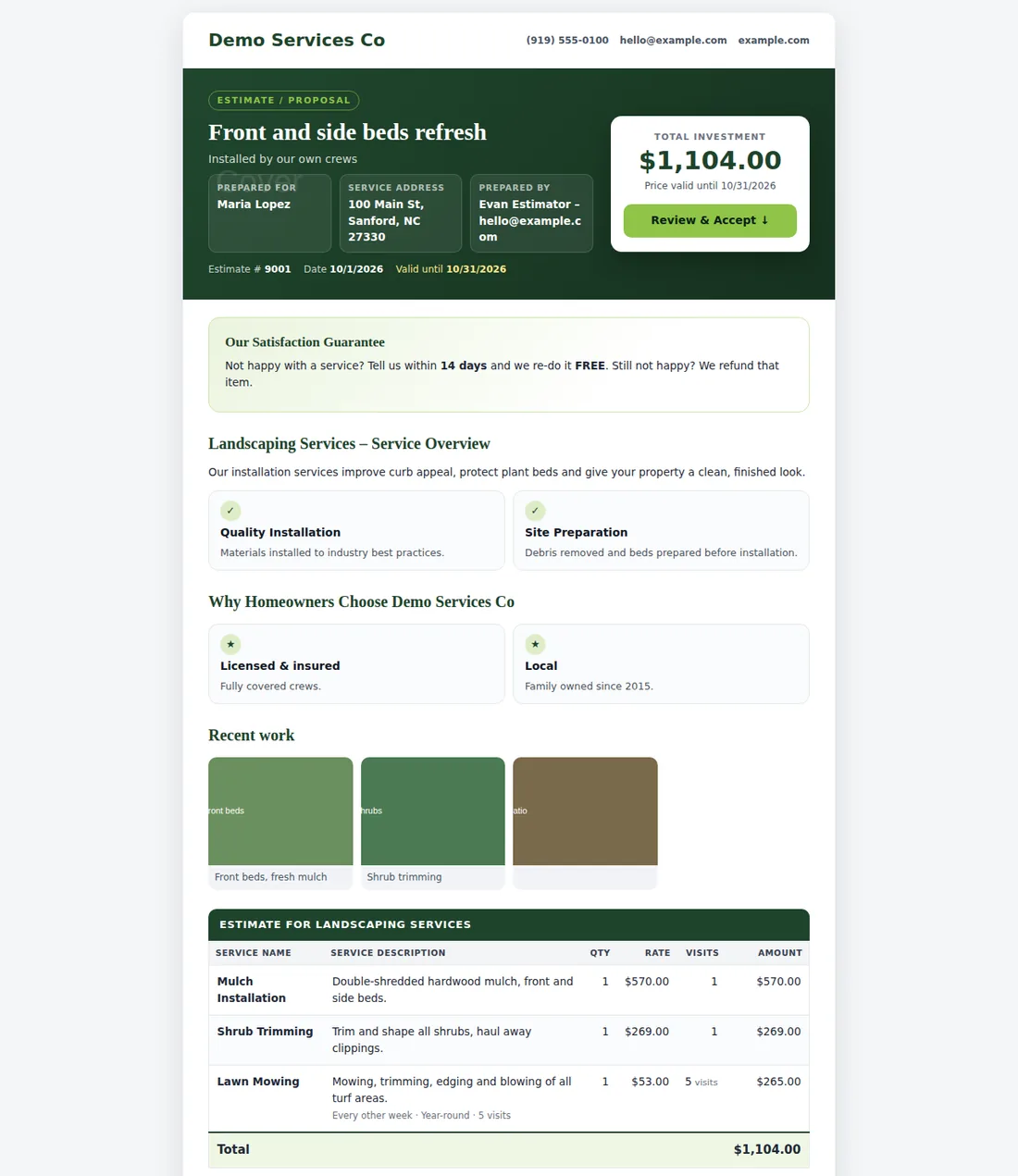
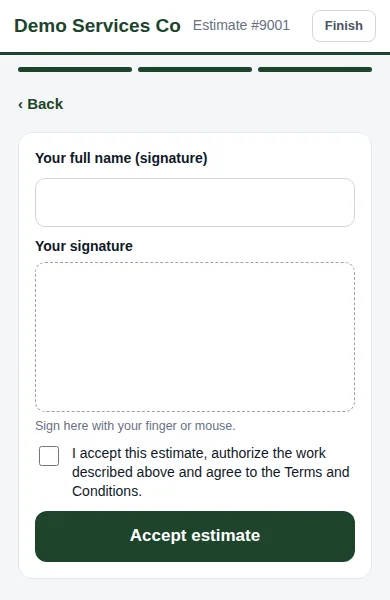
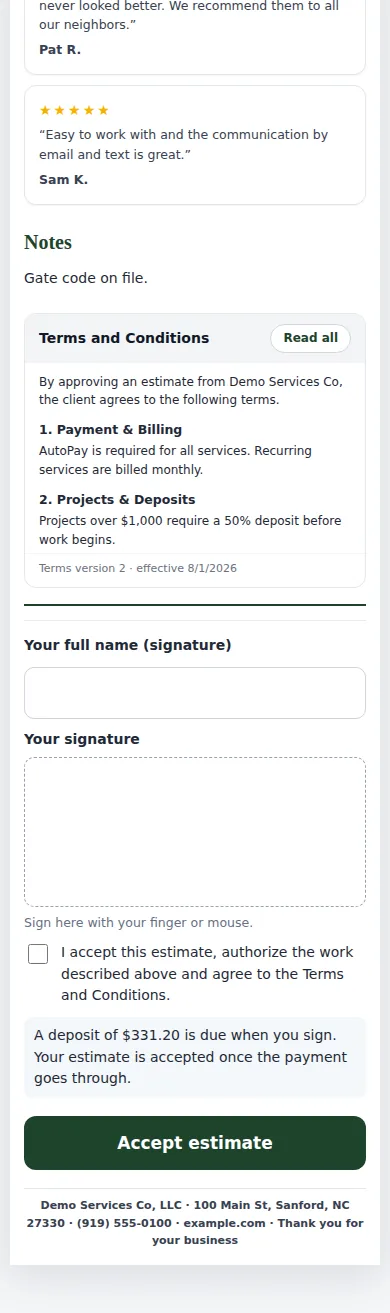
Screens shown with sample data.
Services and materials with your rates, minimum charges, one-time, recurring and seasonal programs. Quantities can come straight from the property’s measurements.
Offer good / better / best options in one estimate, and start your most common jobs from a saved template in one click.
Prices below your floor, deep discounts or large commercial jobs ask for a manager’s approval before they go out — tied to that exact version.
Your cover, guarantee, why-choose-us, recent work photos, testimonials and versioned terms — set once, on every estimate.
See when the link was opened and how many times. If it isn’t signed, follow-ups go out at 2, 5 and 10 days and stop the moment it’s signed.
Drawn signature, name, date and IP. The customer gets a signed PDF copy automatically.
A percentage or fixed deposit, paid by card into your own payment account, with the option to pass the card fee on. The estimate is accepted once the payment goes through.
When it’s signed, the services and visits are created and the job sheet goes to your field system — nobody retypes it.
Created, sent, opened, signed, paid — on the customer’s timeline, with who did what and when.
Estimate to Deposit closes the jobs you present. The Revenue Recovery System makes sure every estimate that didn’t close gets followed up, owned and measured.
Find My Revenue LeaksNo. The customer opens a link on their phone or computer, reviews the estimate, signs with their finger or mouse and pays the deposit in the same page.
Into your own payment account. PeakReach does not hold your money. You choose a percentage or a fixed deposit and whether the card fee is passed to the customer.
Yes. Open it on your phone at the property, walk the customer through it and let them sign right there. The visit is recorded on their file.
Prices below your minimum, discounts above the limit you set or large commercial estimates need a manager’s approval before they can be sent. The approval is tied to that exact version of the estimate.
Each signature is stored with the signer’s name, the drawn signature, the date and the IP address, and the customer receives a signed PDF copy. Your own terms and conditions apply; review them with your attorney.
It is scoped per company, based on your services and how your team sells. Request a walkthrough and we will show it with your own services.
A short walkthrough with one of your real estimates: built, presented, signed and paid.